





Grandstream India: Award-winning IP voice, video, data, and mobility solutions in India
Grandstream India has been delivering award-winning IP voice and video telephony, video conferencing, and video surveillance products in India.
Our Products and Solutions
Grandstream designs and manufactures a wide-range of award winning products and solutions
Business Conferencing
Grandstream’s video conferencing solutions offer small and medium sized businesses flexibility and ease-of-installation along with powerful features
Physical Security
With a complete line of physical security solutions, Grandstream provides everything needed to protect, manage and monitor any physical location
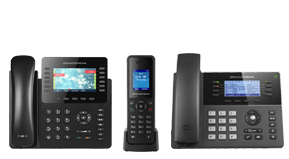
IP Voice Telephony
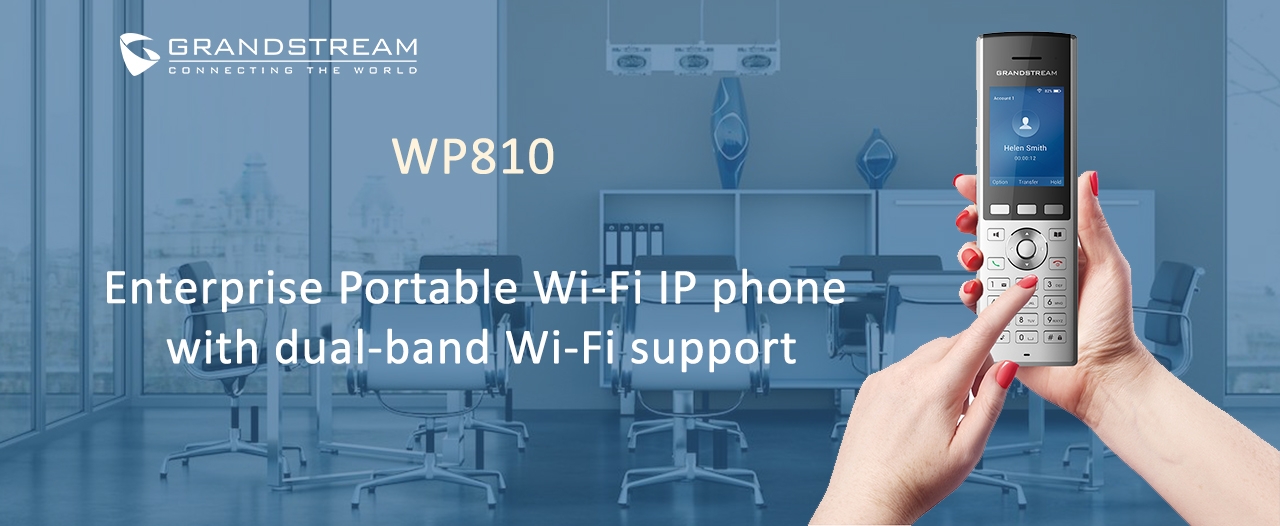
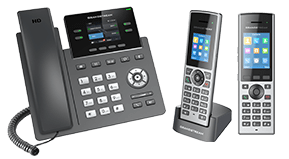
Grandstream has the ideal IP phone for every need, including basic, mid-range, high-end, cordless and video phones
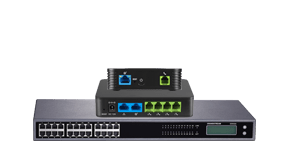
Gateways and ATAs
Grandstream’s wide-range of Gateways and ATAs are trusted by some of the largest service providers in the world
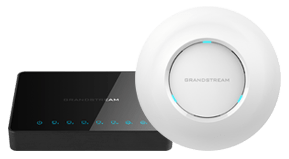
Networking Solutions
The GWN series of Networking Solutions offer powerful and secure networks with wide coverage range that feature industry-leading setup and management
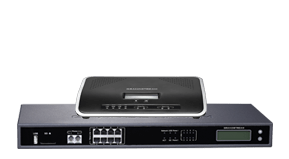
IP PBXs
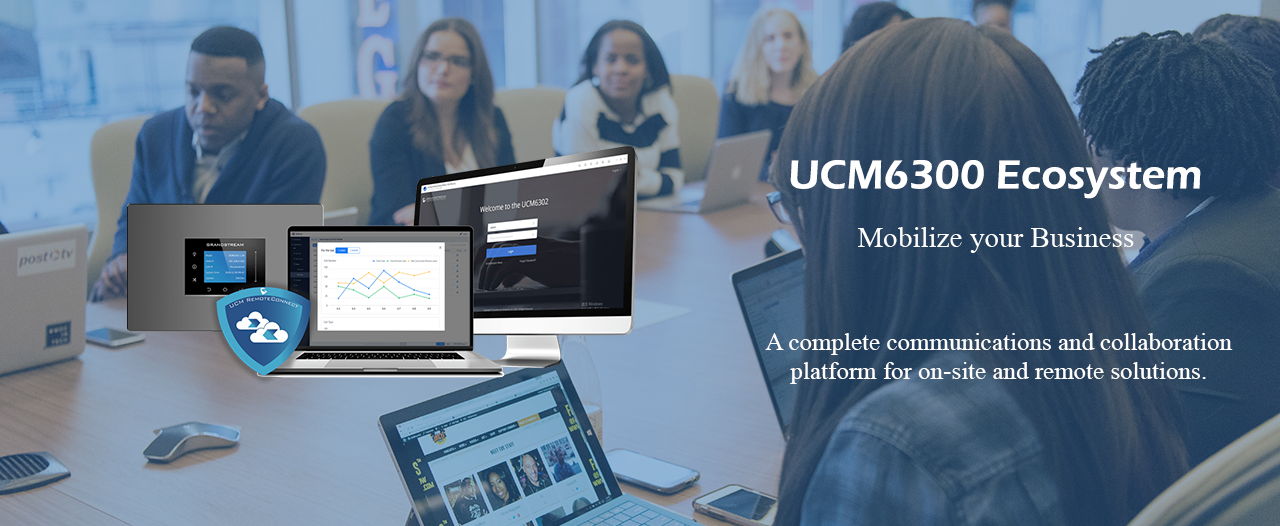
Grandstream’s UCM series of IP PBXs offer an extensive set of unified communication features in easy-to-manage on premise IP PBXs with no licensing fees
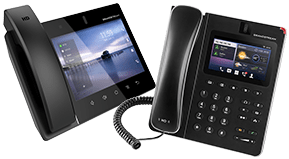
IP Video Telephony
Grandstream’s GXV3200 series of IP Video Phones with AndroidTM extend the power of advanced video and audio communications to the desktop, while offering tablet-like functionality and web access. Users will enjoy a powerful multimedia experience with these cutting-edge video phones.
Device Management
Use GDMS to provision, manage, monitor and troubleshoot Grandstream products, including device management, account management, device configuration, firmware upgrades, device monitoring, intelligent alarm, and statistical analysis, individually or in batches of devices by site, group and model.
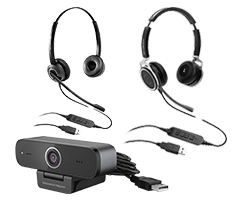
Personal Collaboration Devices
The GUV series of Personal Collaboration Solutions provides a variety of powerful audio and video solutions that enhance remote communication and collaboration.
Featured IP Products
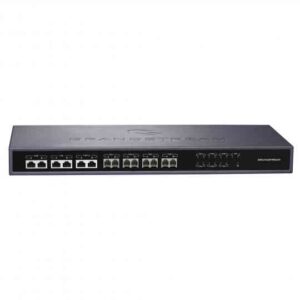
HA100
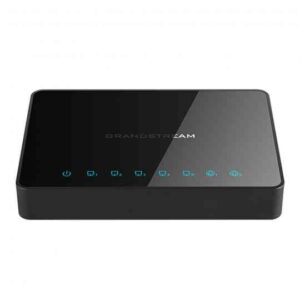
GWN7000
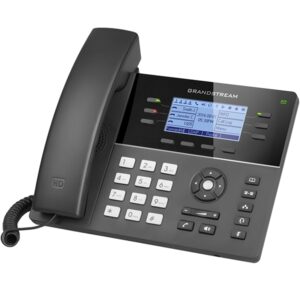
GXP1760W
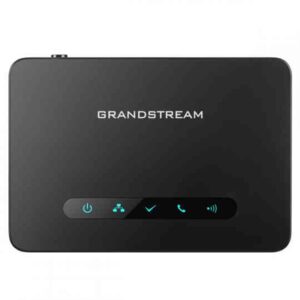
DP760
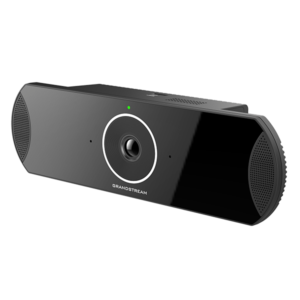
GVC3210
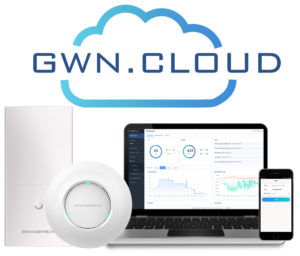
GWN.Cloud
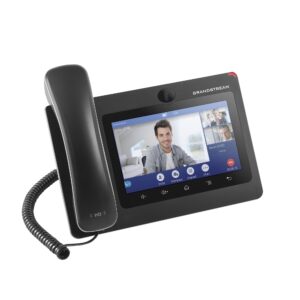
GXV3370
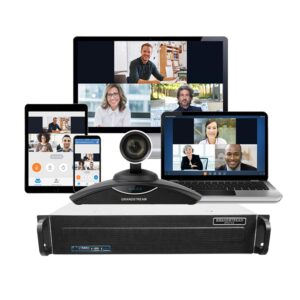
IPVT10
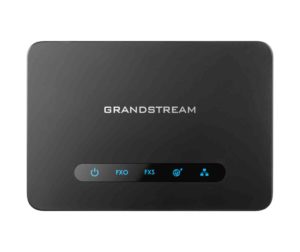
HT813
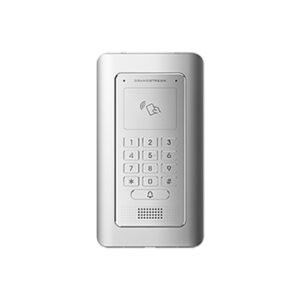
GDS3705
Recent Release
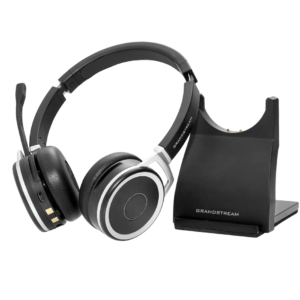
GUV3000 & GUV3005

HD USB Headsets with Noise Canceling Mic
Ideal for remote workers and busy environments,...

GHP610 & GHP611
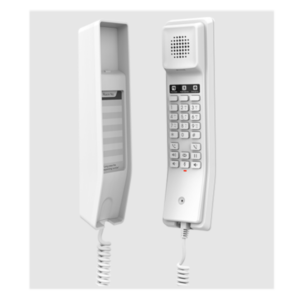
The GHP610/GHP610W and GHP611/GHP611W are compact IP phones that provide an HD speaker...
WP822
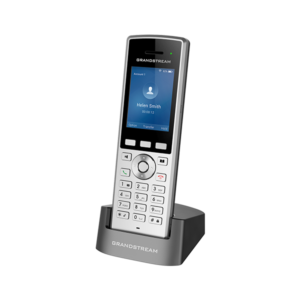
Cordless Wi-Fi IP Phone with Integrated Dual-Band 802.11a/b/g/n/ac and 8-hour talk time
The WP822...
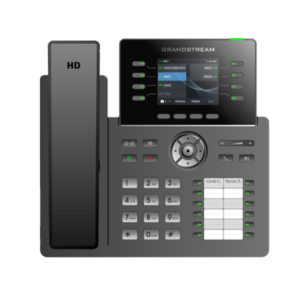

Meet Grandstream’s Video Conferencing Solutions
Grandstream’s revolutionary video conferencing solutions makes video conferencing easier than ever before without sacrificing features or functionality. With Grandstream products, users can create easy-to-install and easy-to-use video conferencing solutions that they can customize based on their own needs – rather than relying on other manufacturer’s complicated and restrictive solutions. Contact your Grandstream distributor today.
Frequently Asked Questions
Micro Village Communications Pvt. Ltd. is an authorised national distributor of Grandstream Networks in India since 2005 and operates GrandstreamIndia.in.
Address: 3rd Floor, MicroVillage Centre, 28, 80 Feet Road, HAL 3rd Stage, Indiranagar, Bengaluru, Karnataka 560038.
Grandstream sales desk: +91 97316 07450, sales@grandstreamindia.in
Head office: +91 98455 35881, sales@microvillage.in
Micro Village Communications has distributed Grandstream products in India since 2005. The company was incorporated in 1996 (CIN U32109KA1996PTC021187) and is headquartered in Indiranagar, Bengaluru 560038.
Grandstream India (Micro Village Communications Pvt. Ltd.), 3rd Floor, MicroVillage Centre, 28, 80 Feet Road, HAL 3rd Stage, Indiranagar, Bengaluru, Karnataka 560038.
Sales and WhatsApp: +91 97316 07450, sales@grandstreamindia.in. Head office and support: +91 98455 35881, sales@microvillage.in. GSTIN 29AACCM4395D1ZC.
GrandstreamIndia.in is owned and operated by Micro Village Communications Pvt. Ltd., Bengaluru, whose main website is microvillage.in. It is not connected with grandstreamindia.com or grandstreamindia.co.in.
Grandstream India provides IP phones, UCM IP PBXs, GWN networking solutions, video conferencing products, physical security solutions, gateways and ATAs, and device management solutions.
Grandstream products supplied through Grandstream India are supported with official India warranty, local RMA handling and engineering support. For support, call +91 98455 35881.
Grandstream India serves customers across India from its Bengaluru head office and GST-registered branch offices in New Delhi, Mumbai, Chennai and Hyderabad. Call +91 97316 07450 or email sales@grandstreamindia.in.

Grandstream India | IP Products | Leading Telecommunication Company in India
Grandstream India is a leading IP products telecommunications company for Enterprise Management. We are the authorised supplier of Grandstream Products in India. IP phones, video conferences, wireless access points, IP PBX, UCM, video door phones, IP security systems & other IP products. For Sales @ 9731607450 / email : sales@grandstreamindia.in / For Support: +91 98455 35881, sales@microvillage.in
Company Overview
Grandstream is the worldwide technology for Enterprise Management that has been making the Internet work since 2005. Our team, IP products, and partners help society securely connect and seize tomorrow’s digital opportunity today in enterprise management.
Grandstream India – Business Communication System
We started our Indian operations in 2005. There are five Sales Offices in the region – New Delhi, Mumbai, Bangalore, Chennai, and Hyderabad. The Grandstream India headquarters is in Bangalore. Grandstream is involved in Research and Development (R&D), IT, Services, and customer support teams, and develops disruptive business models for Grandstream to create new go-to-market channels, markets, processes, and technologies for emerging markets and for Enterprise Management.
